Free Word template
Family Cookbook Recipe Pages
Collecting the family's recipes is the kind of project that used to start in Publisher and end in a binder at a reunion. This template keeps the binder idea: full letter pages with a wider left margin for a three-hole punch, so you can add recipes for years without reprinting the whole book.
Clicking the button saves family-cookbook.docx (a Word document, 9 KB) to your Downloads folder. No sign-up, no email address.
- PaperUS Letter, portrait, with a wider left margin for a three-hole punch.
- PrintingFour pages: cover, contents, two recipe pages to copy
- In the file4 pages
- Opens inWord, Google Docs, LibreOffice
What it looks like
What's in it
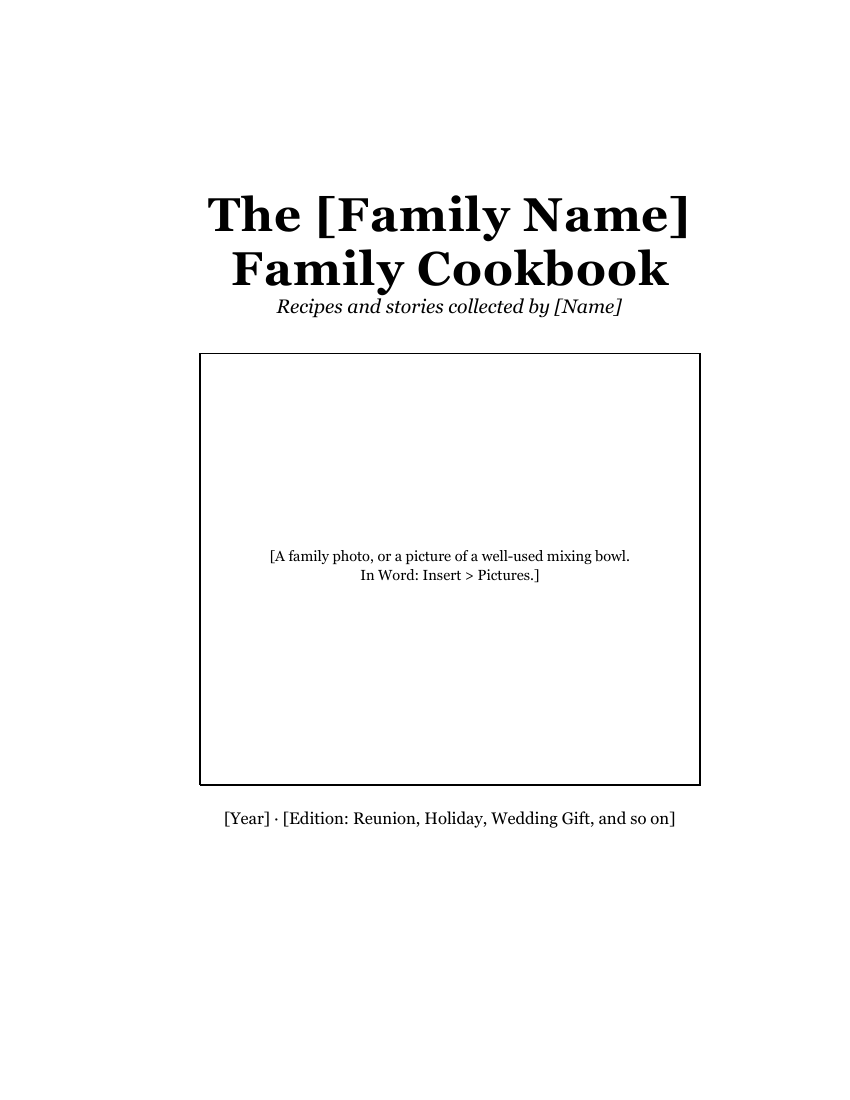
- Cover: "The [Family Name] Family Cookbook", who collected it, a large box for a family photo, and the year or edition.
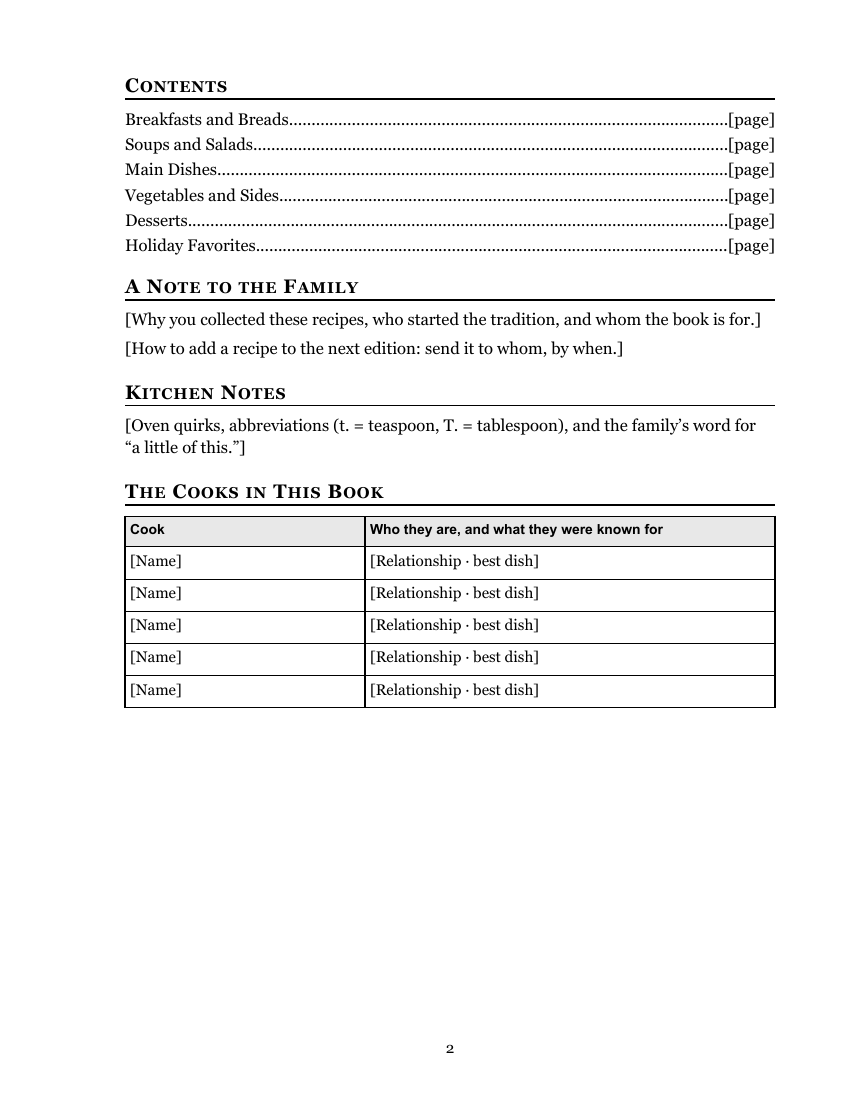
- Contents with dotted leaders to the page numbers (you type them in), a Note to the Family, Kitchen Notes (oven quirks, abbreviations) and The Cooks in This Book, a small table of who's who and what they were known for.
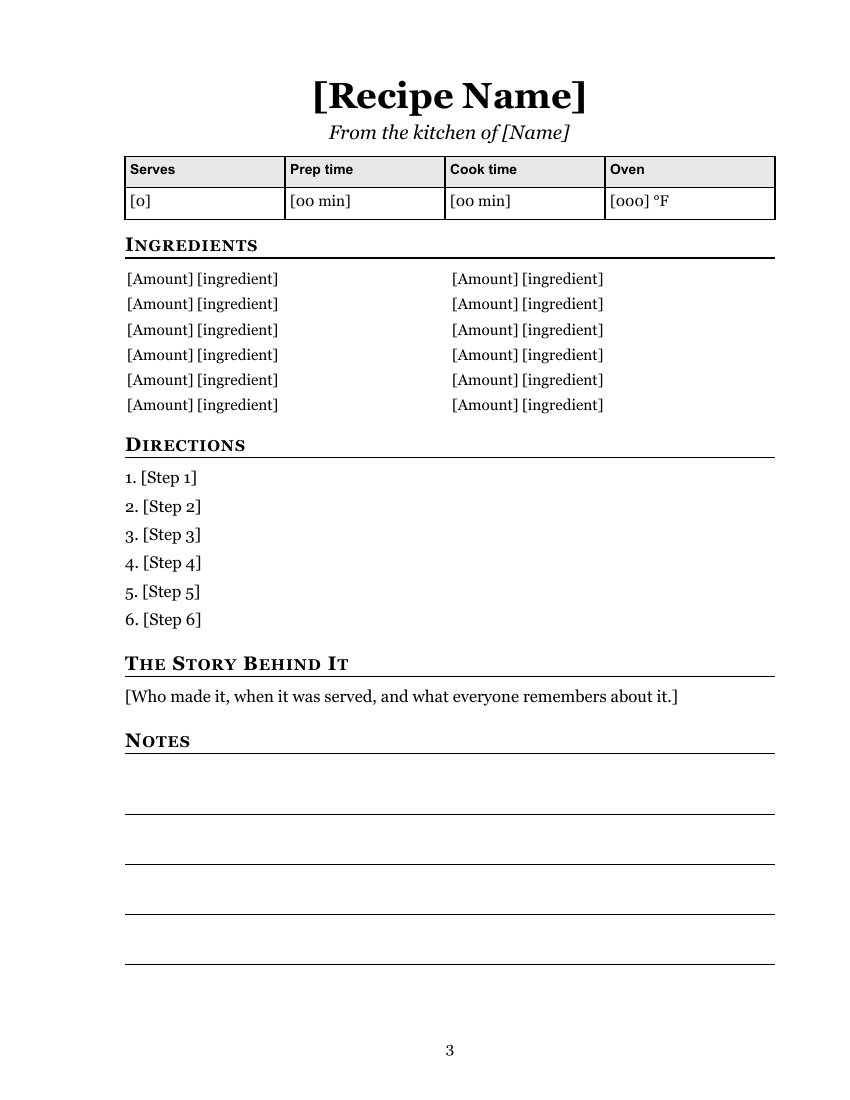
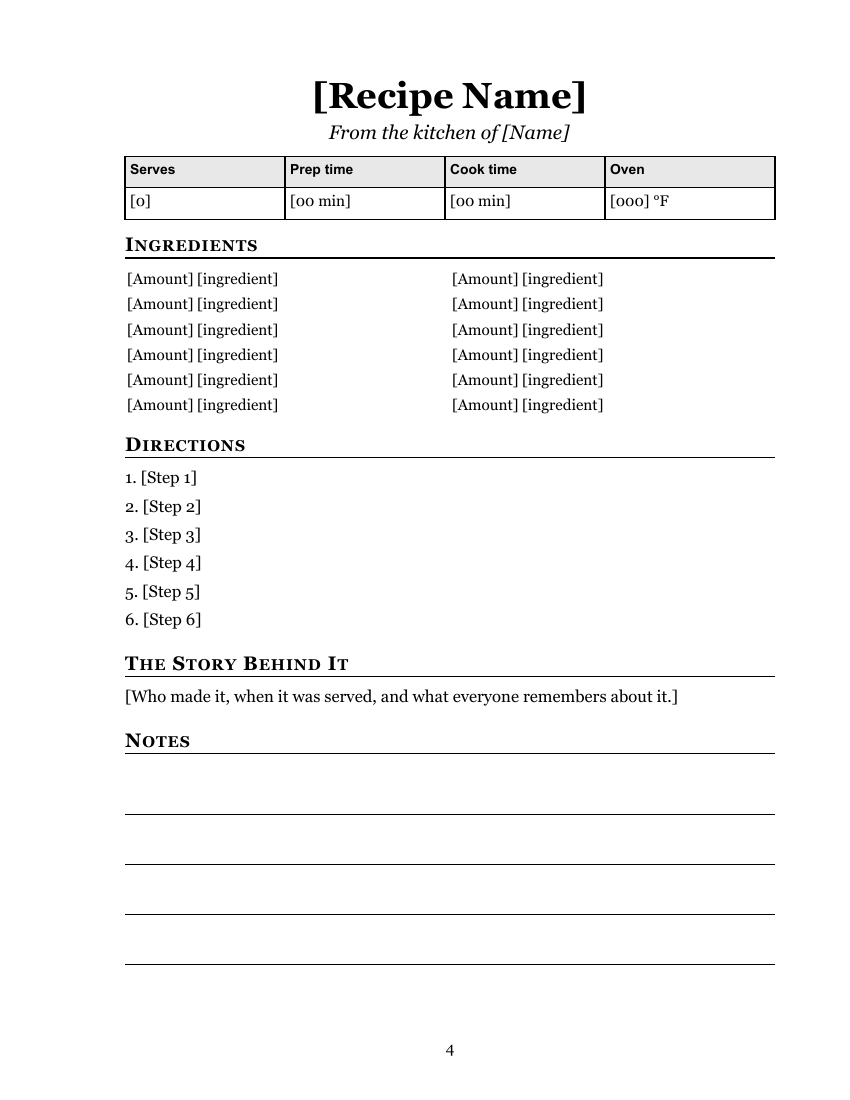
- Recipe pages: the recipe name, "From the kitchen of", a small table for servings, prep time, cook time and oven temperature, ingredients in two columns, numbered directions, "The Story Behind It", and four ruled lines for handwritten notes.
- Page numbers at the bottom of every page except the cover. Word numbers the pages for you and renumbers them as you add recipes.
There are two recipe pages so you can see how a second one follows the first. Copy them to add more.
Fill it in with Word
To add a recipe page, click just before "[Recipe Name]" at the top of page 4. Select from there to the end: press Ctrl+Shift+End on Windows or Command+Shift+End on a Mac, or hold Shift and click just after the last line of the page. Copy it. Then go to the end of the document (Ctrl+End on Windows; Command+End on a Mac, or Command+Fn+Right Arrow on a MacBook), add a page break (Ctrl+Enter on Windows, Command+Return on a Mac; Microsoft's shortcut list), and paste. The menus work too: Insert > Page Break on Windows, Layout > Breaks > Page on a Mac (Microsoft Support).
Type ingredients in the two-column table: left column first, then right. If a recipe has more than twelve ingredients, click in the last row and press Tab at the end to add a row.
Write directions as the cook would say them, but keep the measurements exact. Where a recipe card says "a scant cup" or "bake until done", add what that means in the Notes, or ask the person who makes it.
Scan or photograph the original handwritten cards, too. A picture of Grandma's card next to the typed recipe is often the page people treasure. Insert it in the "Story Behind It" section with Insert > Pictures.
When the book is finished, type the page numbers into the Contents page. The number at the bottom of each page shows where each section starts.
To find anything you missed, use Word's search box (Ctrl+F on Windows, Command+F on a Mac; Microsoft's list of Word shortcuts) and type a single [. Word jumps to every bracket still in the document. When the search finds nothing, you're done.
Collect recipes with Google Docs
A family cookbook is a group project. Upload the template to Google Drive and open it in Google Docs (Google: work with Office files), then share it so relatives can type their own recipes onto a copied page. You can still finish and print it from Word or LibreOffice: in Google Docs choose File > Download > Microsoft Word (Google's download help).
LibreOffice Writer opens the .docx with File > Open, and its page numbers and tables come through unchanged.
Print and bind it
Print the cover on one side only. The recipe pages can be one-sided (simplest for a binder you'll add to) or two-sided, flipped on the long edge. The wide left margin on every page leaves room for three holes. On a two-sided sheet, though, the back page has its wide margin on the other edge, so the holes land in its narrow margin, close to the words. If you print two-sided, use a binding with a narrower edge, such as a comb or a staple.
For a small book to give away, a copy shop can print and comb-bind it from a PDF. Clear sheet protectors in a binder keep pages safe from kitchen spills.
Wondering about booklet printing instead? This template is set up for full pages. To make a folded half-size booklet, see printing a folded booklet, which explains Word's Book fold setting.
Related help
More templates
- Folded Sunday Bulletin2 pages
- Large-Print Order of Worship2 pages
- Monthly Church Newsletter2 pages
- Funeral or Memorial Service Program2 pages
- Wedding Program2 pages
- Concert or Event Program2 pages
- Prayer List2 pages
- Half-Sheet Announcements1 page
- Club Newsletter2 pages